
Dustin Biser
Game Design & Programming


Jedi: Fallen Order

July 2017 - Jan 2020
Respawn Entertainment
Unreal Engine
Platforms: PC, Xbox, PS4
Planet Holomap
Design
Programming
The Holomap is a key system players interact with for navigating the playable space of visited planets. The system helps players locate unexplored areas, track exploration status, find save points, and discover paths toward objective locations.
Key Contributions:
-
Editor tools for creating maps, and exposing wide range of parameters for controlling look and feel.
-
Collaborate with Level Design in sectioning planets into discrete regions.
-
Keeping Map Data in sync with level changes, and updates to collectables per region.
-
Map Camera Controls for zoom, pan, rotate, snap.
-
Animation curves for camera transitions when opening / closing map.
-
Prepare maps for playtest sessions and track feedback in helping players navigate levels.
-
Unreal Blueprints, UI scripting, and C++.
Holomap In-Game
User Interface Layout


Editor Tools for Building Maps
Maps were built by combining discrete Map Sections made from simplified level geometry and Trigger Volumes that mark Map Sections explored when entered by the player.

Instanced Static Geo
Programming
Unreal Editor extension that allows for selecting multiple static meshes in a Level and combining them into a new Actor with Instanced Static Mesh Components for increased rendering performance.

Individual Static Meshes Selected in Editor.

All Static Meshes are combined into a single Actor with Instanced Static Mesh Components that reduce number of draw calls.
The Editor Tool loops over all selected Static Mesh Actors and finds duplicate meshes to combine into a single Instanced Static Mesh Component. The output is a single Actor with multiple Instanced Static Mesh Components that reduce draw calls at run-time.

Foliage Painting
Programming
Extension to Unreal's Editor to allow for painting foliage directly on top of complex geometry of static meshes. This tool uses ray-casts to intersect complex geometry in order to determine the world position, and normal direction to orient foliage when painting on top of meshes.

A Sample Complex Mesh from a Level

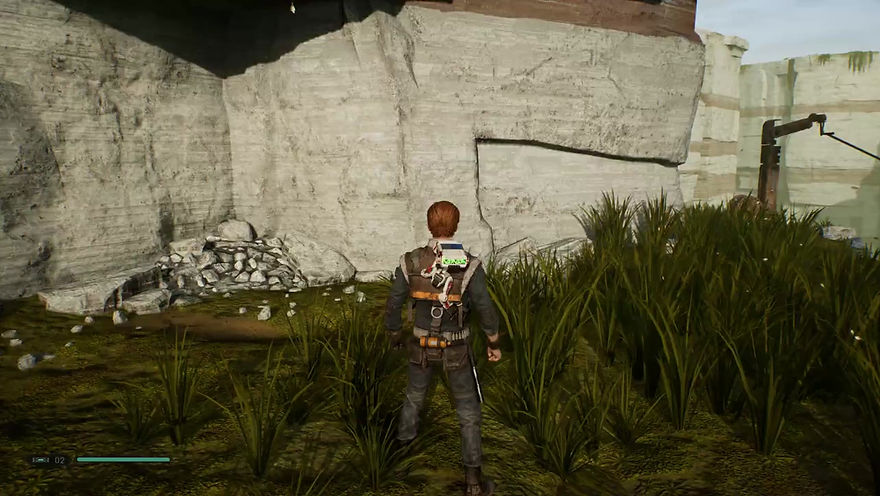
Using the Foliage Painting Tool to paint grass directly on top of the Static Mesh Triangles.
Texel Density Viewer
Programming
View mode added to Unreal that allows artists to validate UV Texel Density of assets placed in a scene based on different categories of assets:
-
Character High Detail (2048 pixels/meter)
-
Character Medium Detail (1024 pixels/meter)
-
Character Low Detail (512 pixels/meter)
-
Environment (1024 pixels/meter)
-
Skybox Vista (16 pixels/meter)
Objects in the scene are colored based how much their UV Texel Density is away from the category validated against. This allows artists to spot check their work making sure similar assets have the same texel density near each other, and that no objects have too much texture detail for the distance they are expected to be viewed at within game.
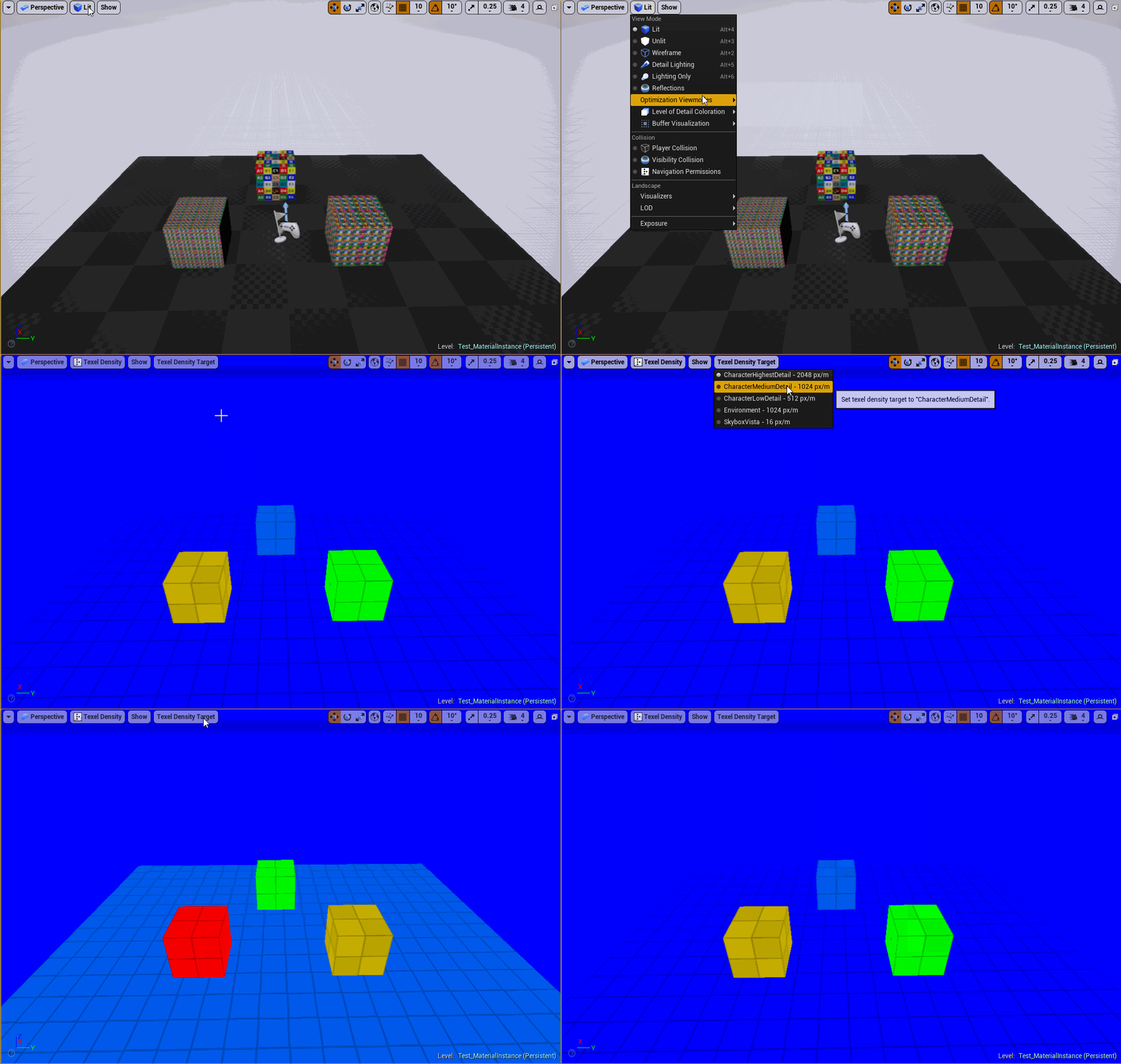

Objects are colored to show how far their UV density is from the texel category validated against.